Security Settings: Turning off 2FA – SAFE C2C
Login to
the portal and select on “Settings”:
You will
have the following options, select on “Security”:
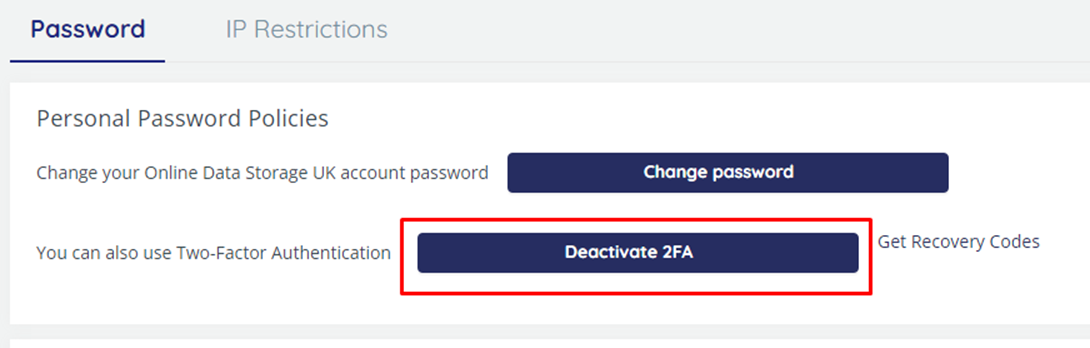
Select “Deactivate
2FA”
You
will then get confirmation top right that this has been done:
And
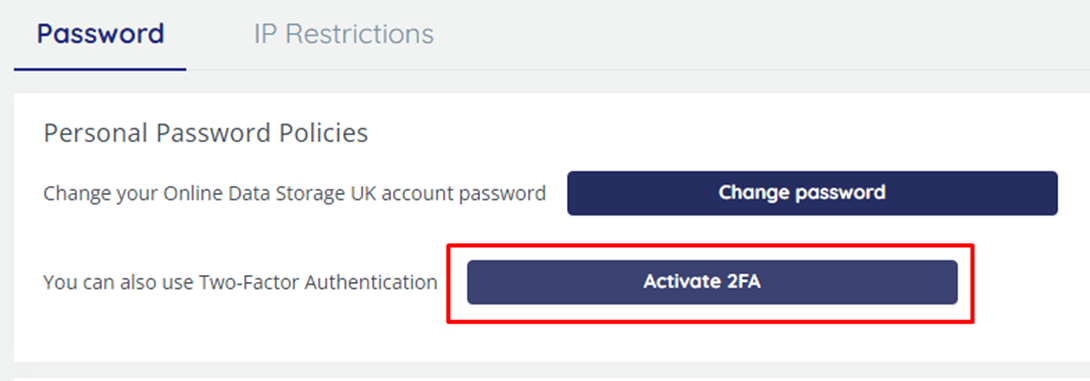
it will change back to “Activate 2FA”: