Increasing quota for your UK Cloud Backup PLUS account – Cloud Backup PLUS
From inside the portal you can increase the quotas for your Cloud Backup PLUS accounts. Search for the account via the search function on the right, or go to “Customers” on the left and select “View Cloud Backup PLUS” customers.
When
on their account select the “Edit Cloud backup PLUS Account” button to the
right:
You will see two places where you can change quota, you need to add the figure into the second option, this will set the quota on the vault. Swap it to “restricted” and then add the quota amount and press “save”.
You
will get confirmation when the change has been made.
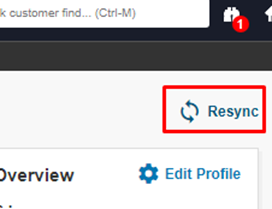
Resync
the page, top right.
And
you will see the quota bar appear under “Data usage”.
