How to run a backup on a specific account – SAFE C2C
Select
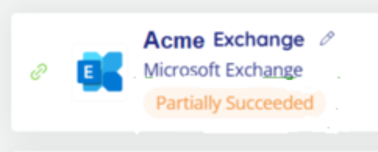
the Backup task you want to run the item from, in this example it is Exchange
as this task reported as partially successful.
Search
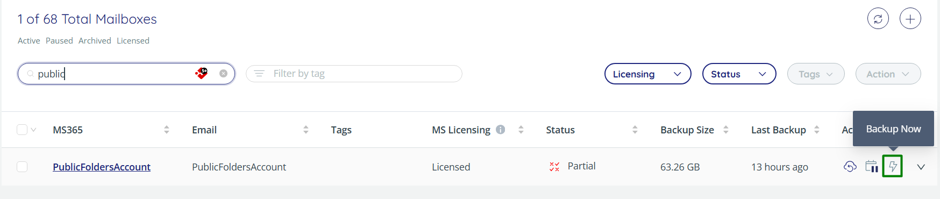
for the item you want to do the backup on, you can either press the lightning
bolt to start the backup:
Or
select the task via the tick box then use the “Action” and “Backup Now”:

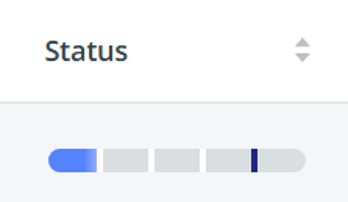
Status
will show a progress bar as it goes:
If
the failure is still reported and it looks fine 365 side, please contact us.