How to check and edit the items selected for the backup – SAFE Backup PLUS
Login
to the backup client and select the item you wish to edit and then press “Configure”
on the right.

Then
go to the “Items” tab, you can see what is included, or excluded, in the middle.
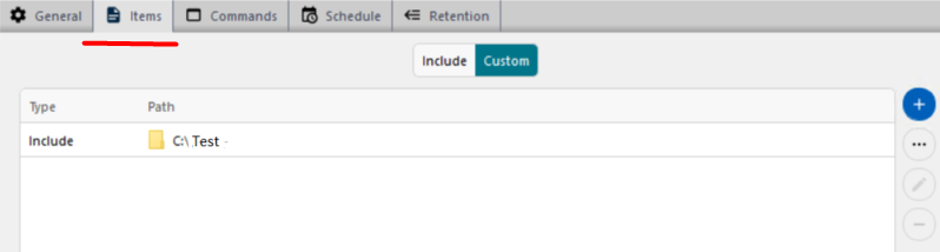
To
add a new item press the blue plus button and this will bring up the folder
system.

To
edit or remove an item select on it and the red minus or the pen edit button
will become clickable.
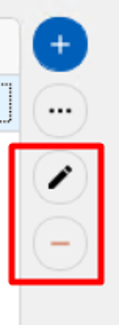
These and additional options are also available via the three little dots.
If you make any changes do not forget to press save.