DSM 7 Permissions
On DSM 7, Safe Backup Plus runs a special package-specific user named
backuptool. In order to perform backups and restores, this user must be granted permissions to access the appropriate Shared Folders. This does not apply to DSM 6.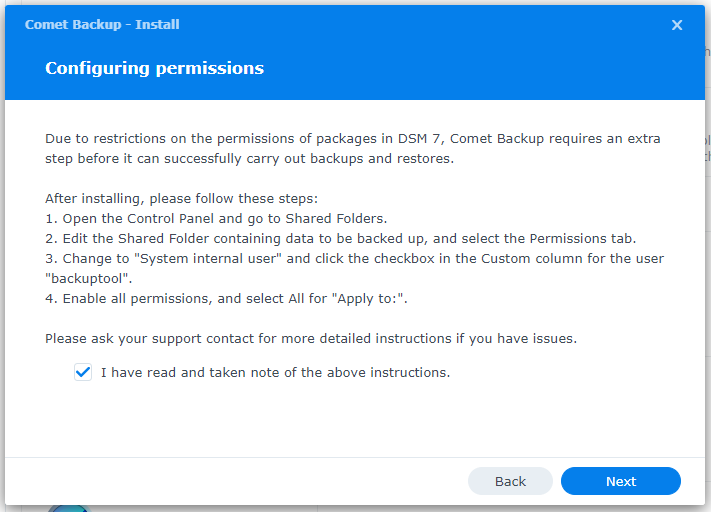
- Log in to the Synology NAS
- Open the Control Panel and go to Shared Folders
- Select the Shared Folder containing the data to be backed up and click Edit
- In the Permissions tab, select "System internal user" from the dropdown menu on the left
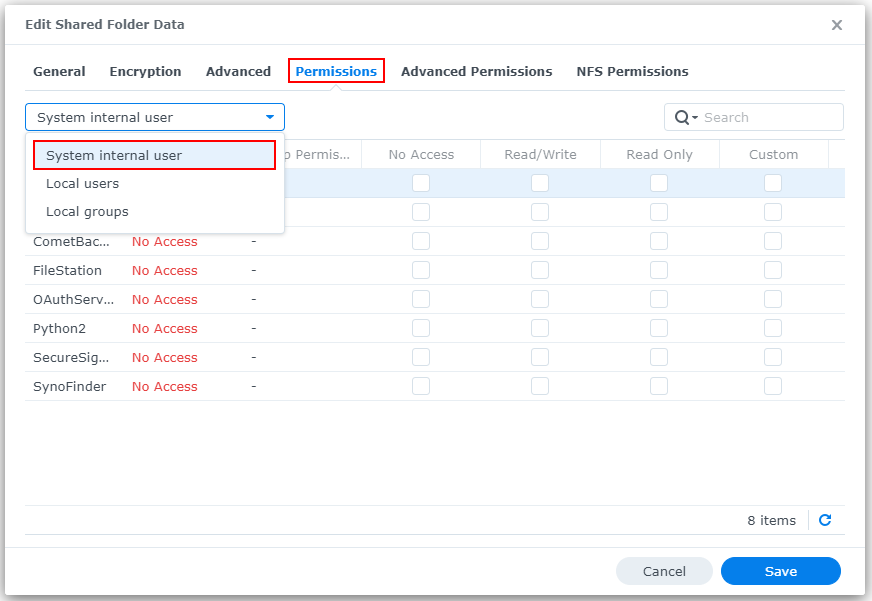
- For the user
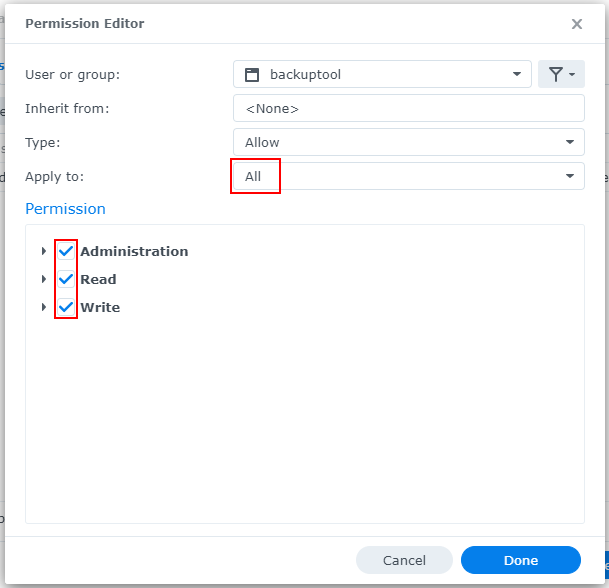
backuptool, click the checkbox in the Custom column - In the dialog that appears, ensure the following:
- "Apply to:" is set to "All"
- All permissions are checked